Ecosystem
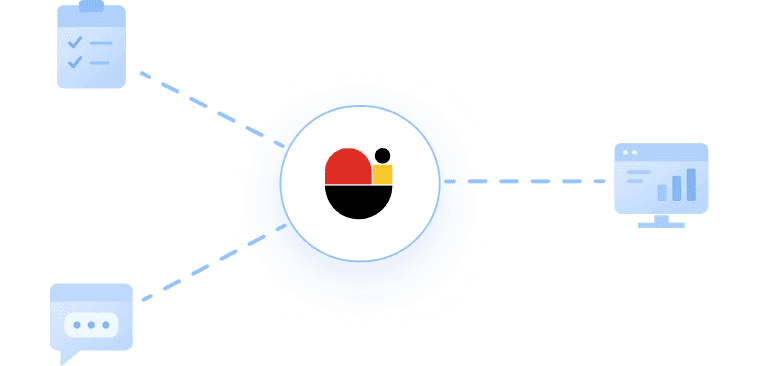
Every app connects to your single AI powered knowledge vault.
Use VaultSage as the document intelligence layer for your own apps, automations, and AI agents. Connect through REST API documentation or the MCP server for agent-native retrieval, chat, file search, and sharing.

Classification Documents
Automate Workflows
Token Cost Optimization
Just connect with API & MCP
Accurately recognizes various document types and automatically classifies them based on their content and purpose.
Seamlessly connects and automates repetitive business processes, from document handling to executing the next tasks.
Stores data in a structured format so AI agents can instantly search and utilize it without additional processing.
Reduces AI token usage and deployment costs by processing and delivering only essential information.
Built your own product with VaultSage Technology
No manual knowledge-base building.
No restructuring thousands of files before you can start.
VaultSage Ecosystem
Workflow Applications
Connect with your work tool
Slack
Save files from any Slack channel directly to VaultSage and chat about them using slash commands without leaving Slack.
Gmail
Download VaultSage files, generate secure share links, and draft AI powered email replies, all inside Gmail.
NotebookLM
Import VaultSage files as sources into Google NotebookLM and export your notebook notes back to VaultSage in one click.
NAVER Works
Draft AI-powered replies in NAVER Works Mail using your VaultSage documents as context in the same language as the original email.
DocSend PDF
Download DocSend shared documents as PDFs with 100% local processing and optionally save them directly to VaultSage.
YouTube
Summarize any YouTube video into structured notes, capture screenshots, draft blog posts, and save everything to VaultSage.